For print shops
Stop hunting through WhatsApp threads for the approved file. See which jobs are waiting on you, what you quoted, and who still owes a deposit.
Software for 3D printing businesses
Keep customer files, design approvals, quotes, payment records and production updates together—with a simple portal for your customers.
Free plan available · No card required · Personal setup help


01
Request
02
Design
03
Quote
04
Deposit
05
Production
06
Ready
07
Completed
Stop hunting through WhatsApp threads for the approved file. See which jobs are waiting on you, what you quoted, and who still owes a deposit.
One link instead of a thread. Send a request, approve the design, accept the quote and watch the job move — without asking for an update.
You handle the design, set your prices and run your printers. Layforma keeps each job's files, approvals, payment records and progress organized.
Real screens from a workspace with demo data in it.
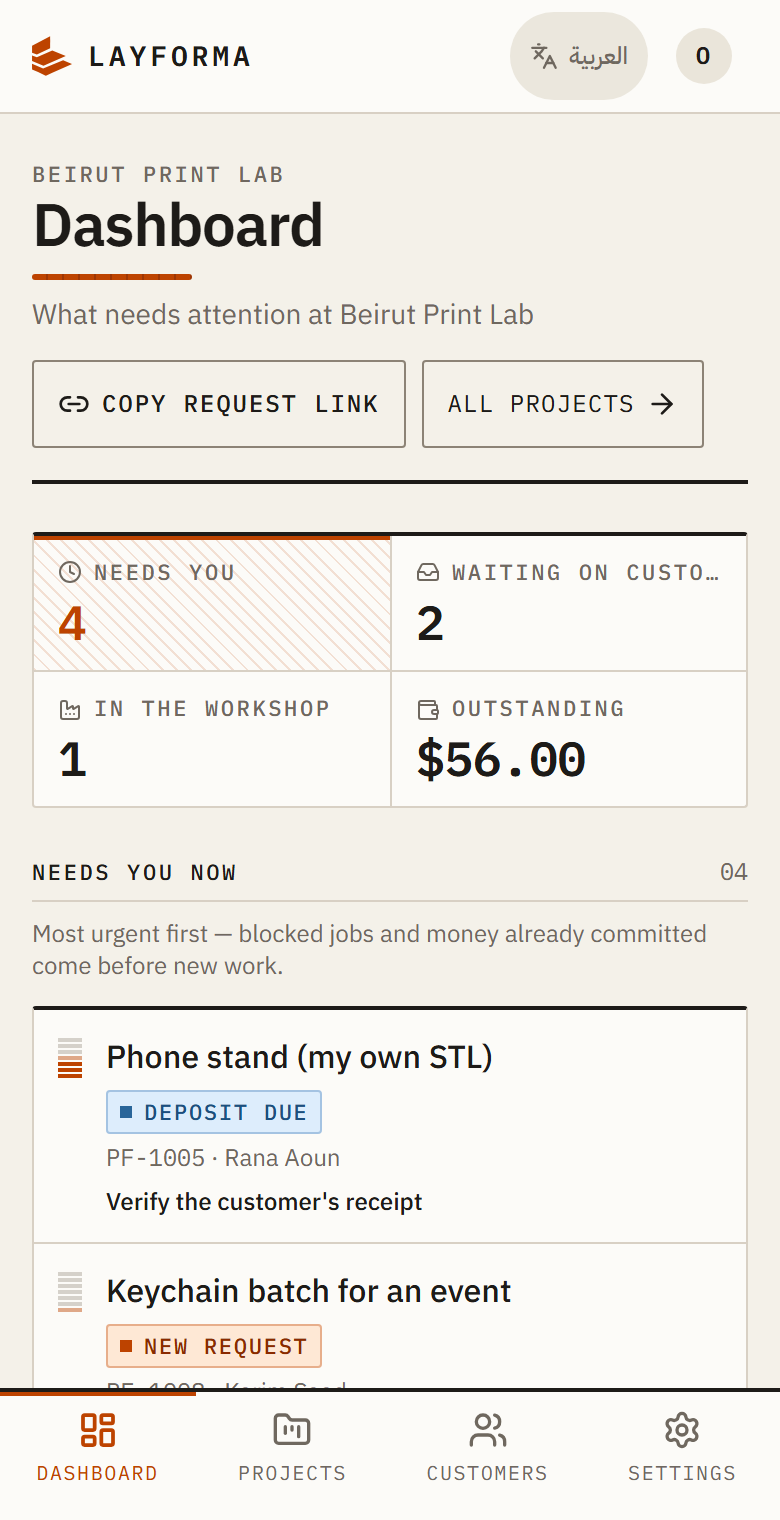
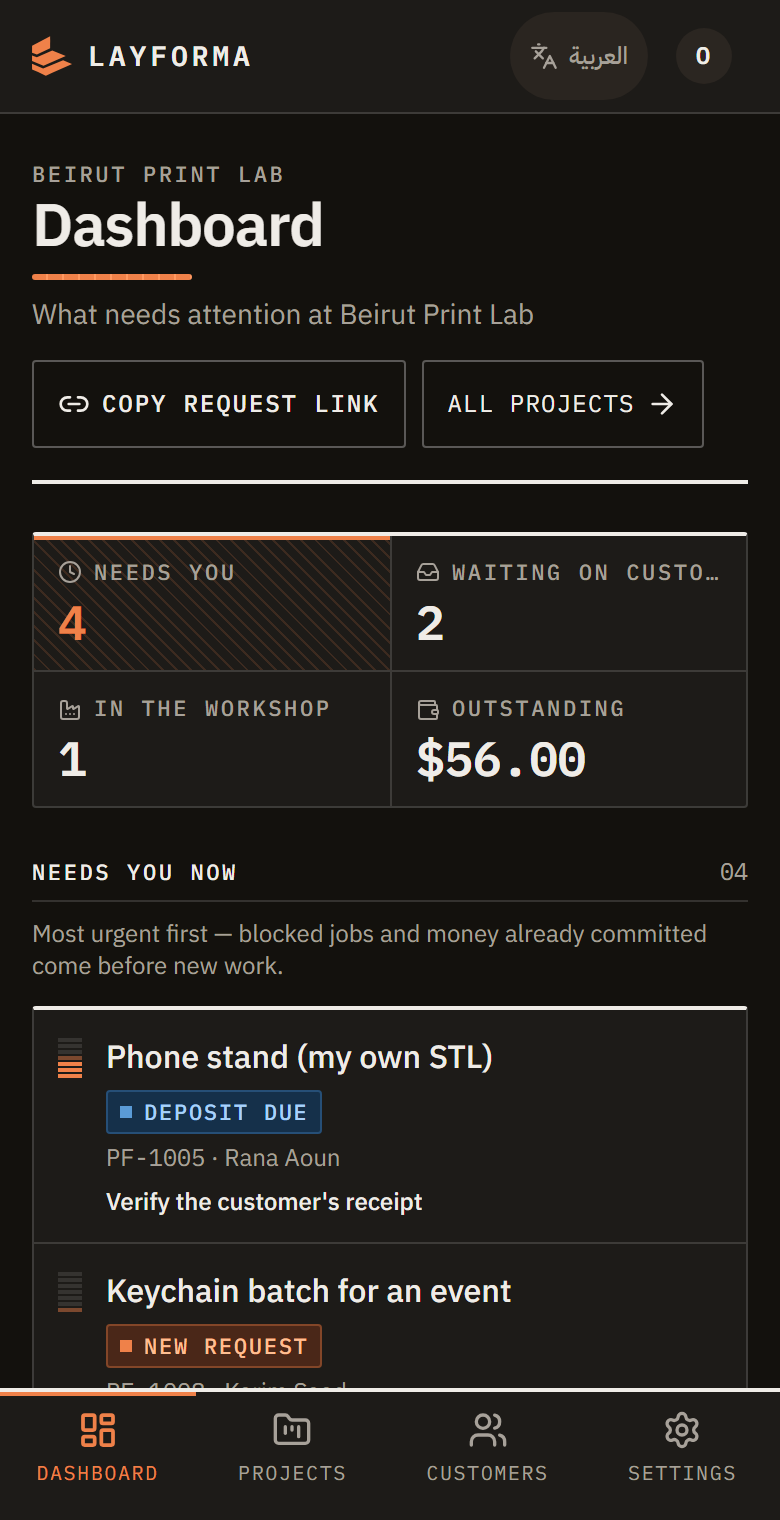
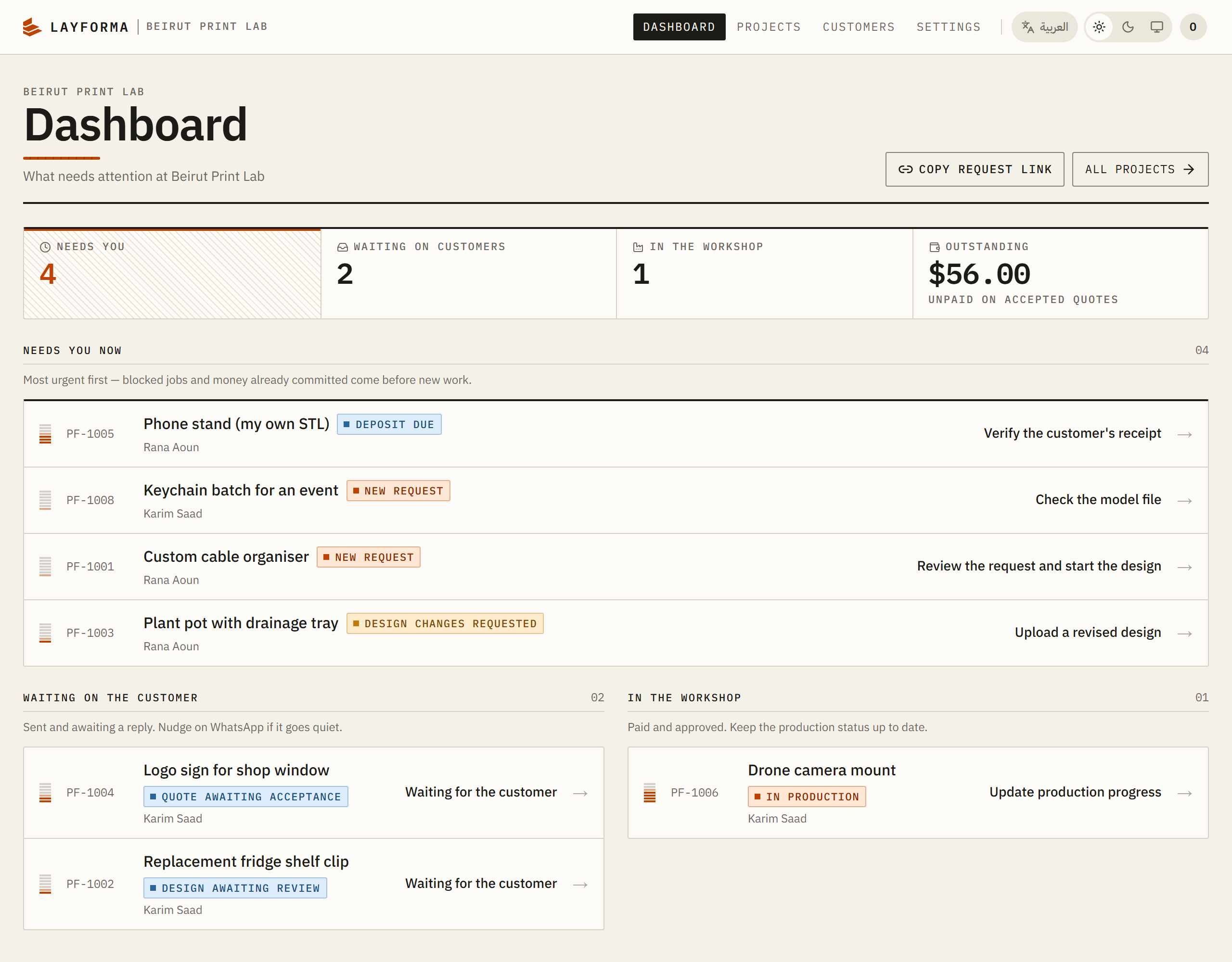
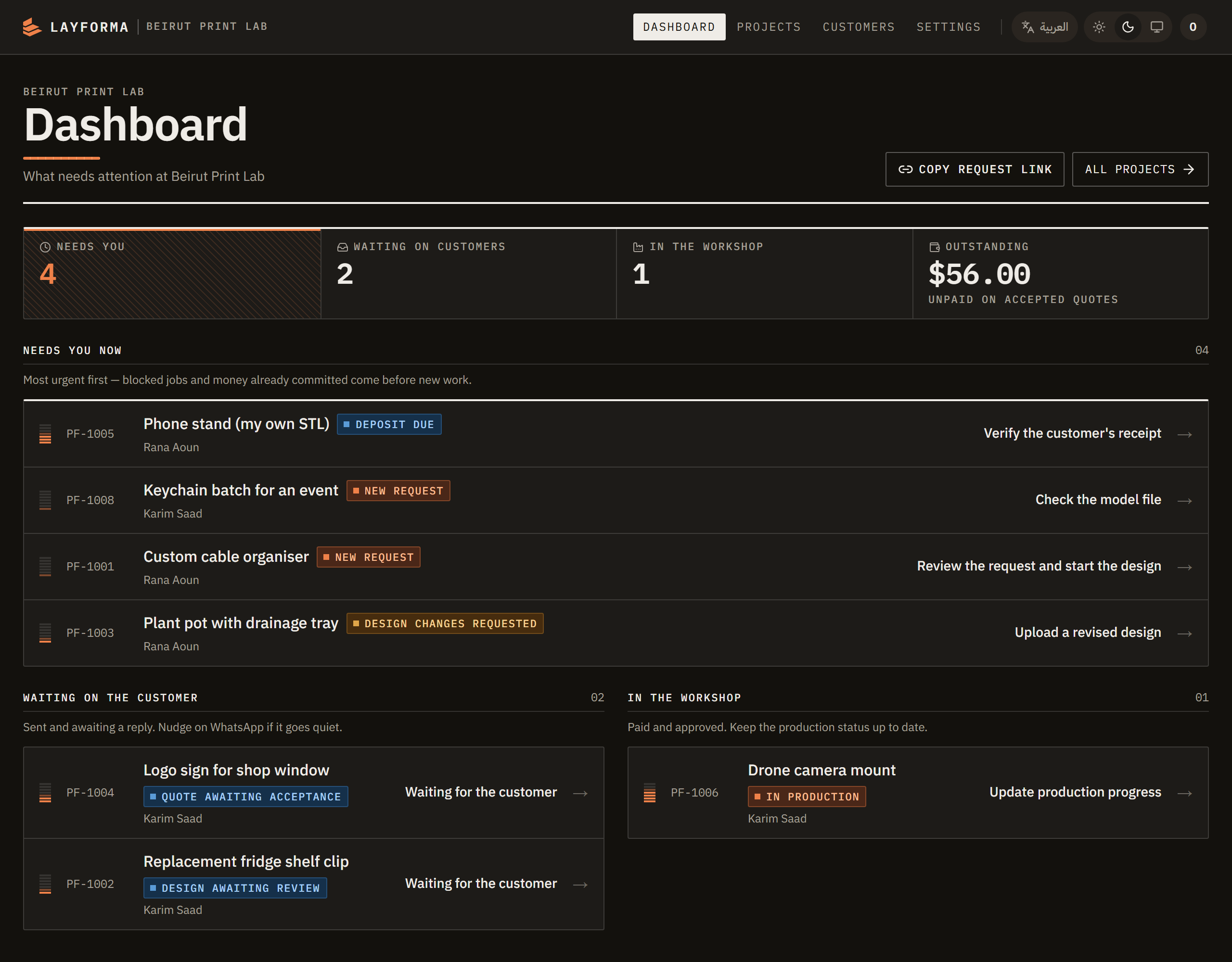
Open it in the morning and the day is already sorted: a new request, a design nobody has looked at, a deposit outstanding. Nothing to search for.
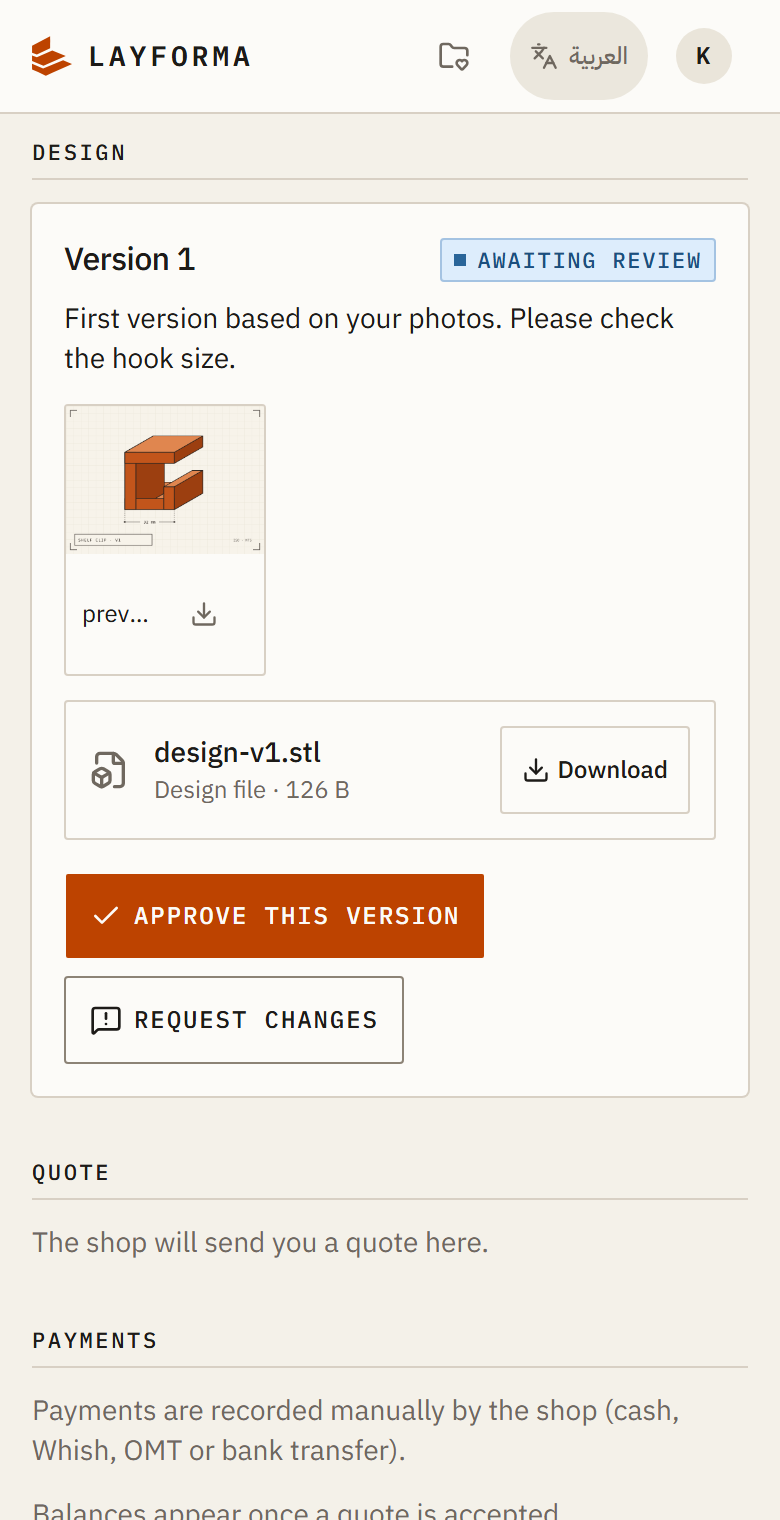
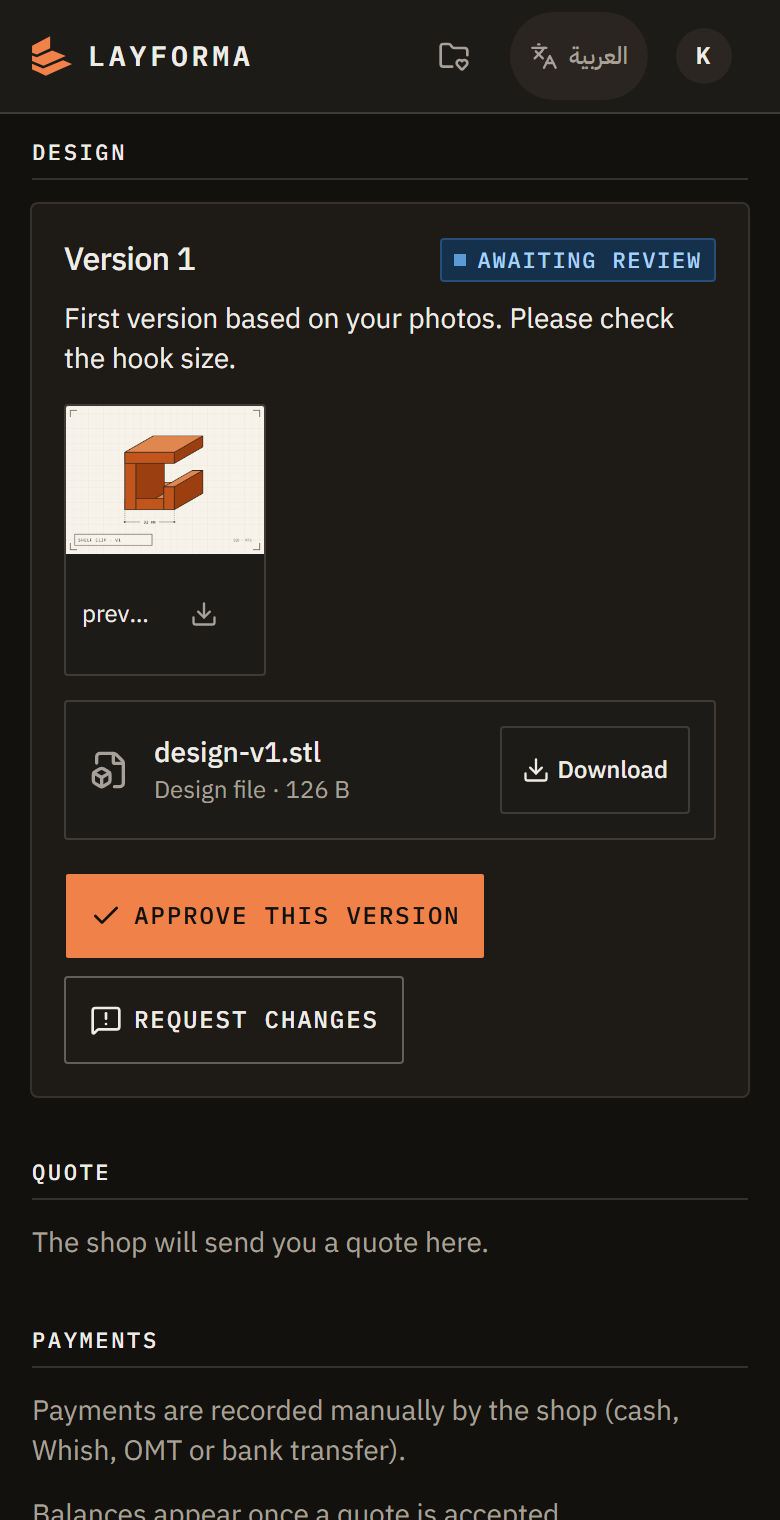
Your customer approves or asks for a change on the version itself, so the decision is recorded against that file instead of lost in a chat.
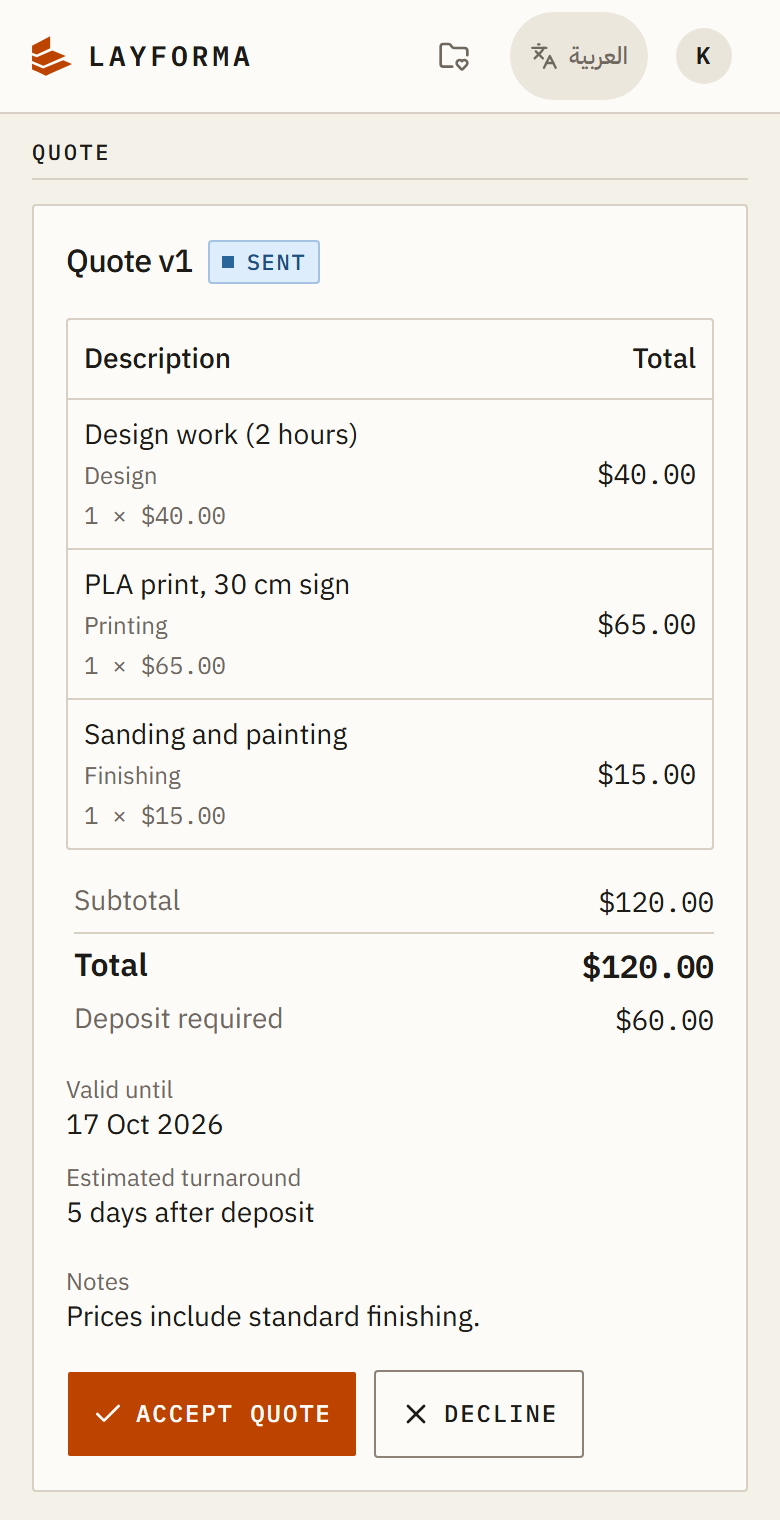
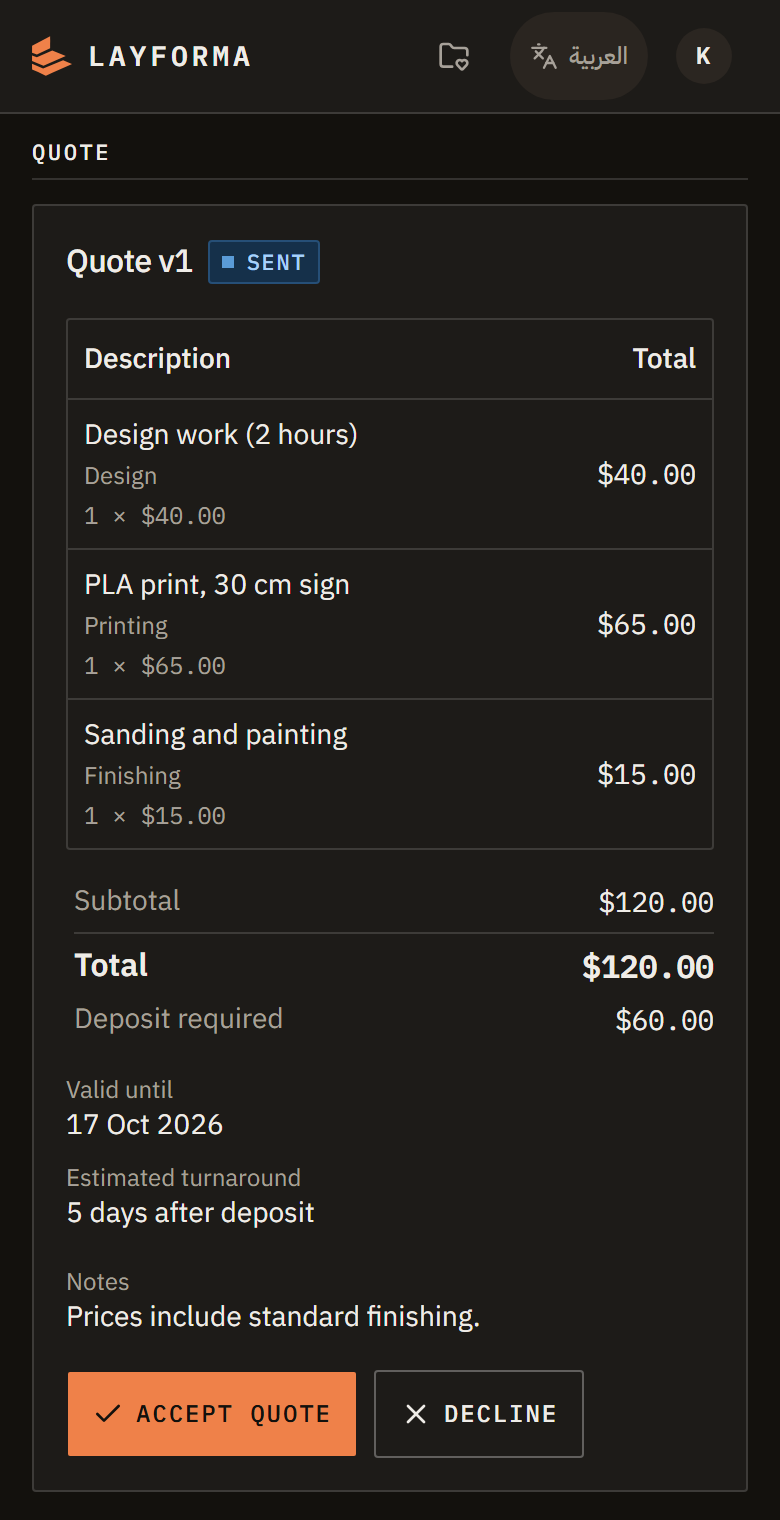
Every line, the total and the deposit, with accept and decline on the same screen — so nobody is reconstructing what was agreed from a chat three weeks later.
Screens shown with demo data.
Priced for a small shop. Start free, move up when you're busy.
No monthly fee
$10.00per month
$25.00per month
Every plan includes every feature. Only the limits differ.
A project is one job, from the customer's first request through to delivery. Its files, design versions, quotes, payments and messages all live inside it and are never counted separately.
It counts the jobs opened during the calendar month, and the count starts again on the 1st. Nothing is archived or deleted when it does: last month's jobs stay exactly where they are and stay open for as long as they need.
Yes. Staff accounts include your own, so a plan with four is you plus three colleagues. An invitation you have sent and nobody has accepted holds a seat until it expires; once it has expired it stops counting and the seat comes back on its own.
Free plan available · No card required · Personal setup help
Tell us where to reach you. Every workspace is set up by hand, so you can ask us anything while we do it.
Questions? Email us at contact@bilalmalass.com
New jobs pause until the count restarts on the 1st; everything already open is untouched. A larger plan takes effect the moment we apply it, and jobs opened earlier this month count against the new number rather than starting over. Studio is the largest plan — past that, talk to us.
New uploads pause. Everything already stored stays readable and downloadable. To make room, the owner can delete files a job no longer needs; receipts and designs shown to a customer stay on record. A larger plan raises the ceiling as soon as we apply it, and we can raise one workspace's ceiling on its own.
At either limit everything else carries on: designs, approvals, quotes, payments, production updates, messages, your customers' portal and your exports. A limit pauses only the thing it names.
No. Only the shop has a plan. Your customers use the portal at no charge and never set up a password — they sign in with a code emailed to them.
Paid plans are invoiced by hand. You pay by cash, Whish, OMT or bank transfer; there is no card on file and nothing is ever charged automatically. The Free plan is never invoiced at all — it runs to a date shown in your settings, and we extend it when you ask.