How it works
How a job moves through Layforma
Every job follows the same seven stages. You and your customer see the same stage on the same job, so nobody has to ask where things are.
The seven stages
01
Request
Your customer sends a request from your shop's page: a ready file, or photos and a description of the idea.
02
Design
You upload design versions; the customer approves one or asks for changes, and every version stays on the job.
03
Quote
You send a quote with line items and a validity date, and the customer accepts it in their portal.
04
Deposit
You record the deposit — cash, Whish, OMT or bank transfer — and the customer can upload a receipt for you to check.
05
Production
The job moves through production, and the customer sees each step without having to ask.
06
Ready
Your customer is told the part is ready for pickup or delivery.
07
Completed
The job is closed, with its files, payments and messages kept on record.
What it looks like
Real screens from a workspace with demo data in it.
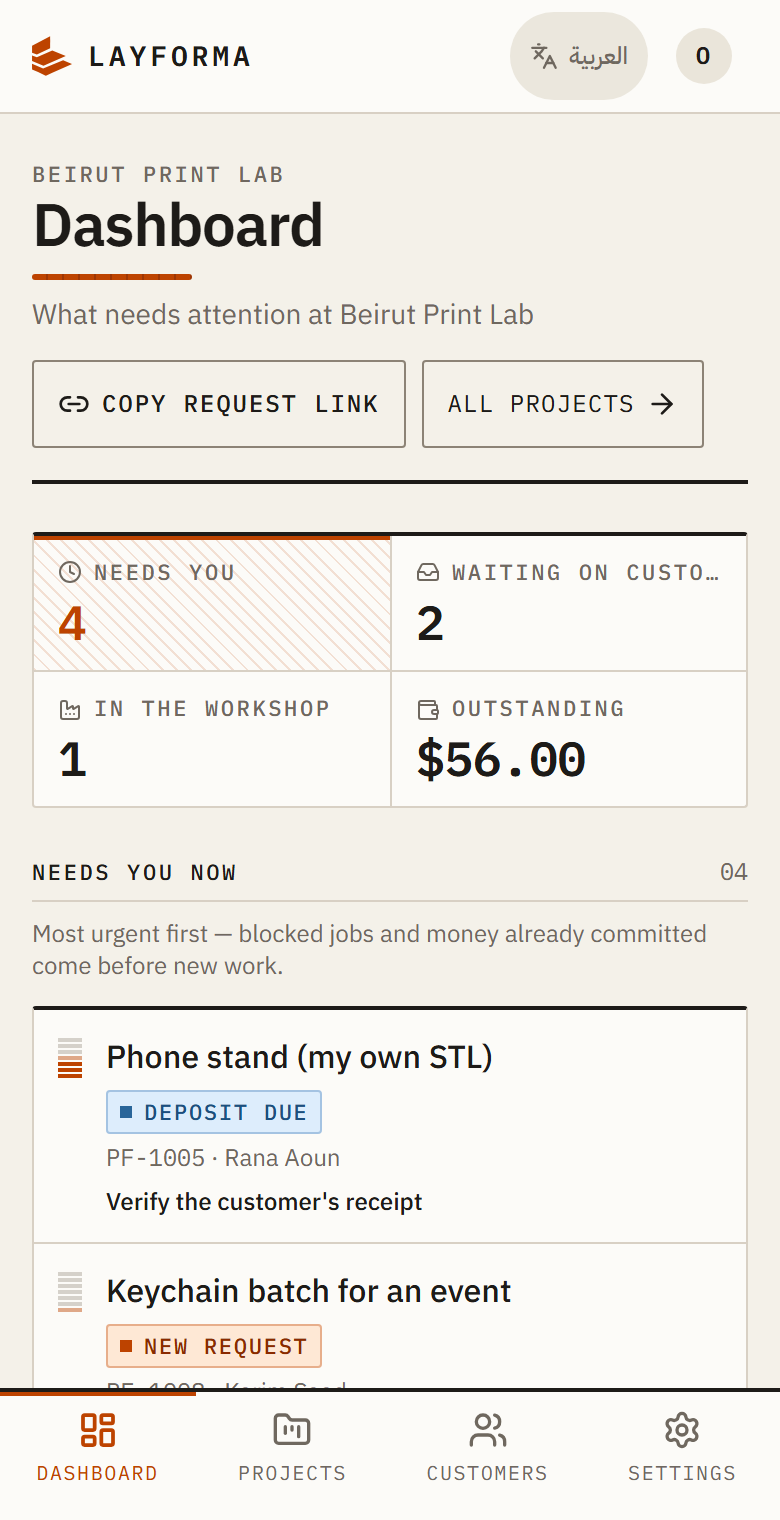
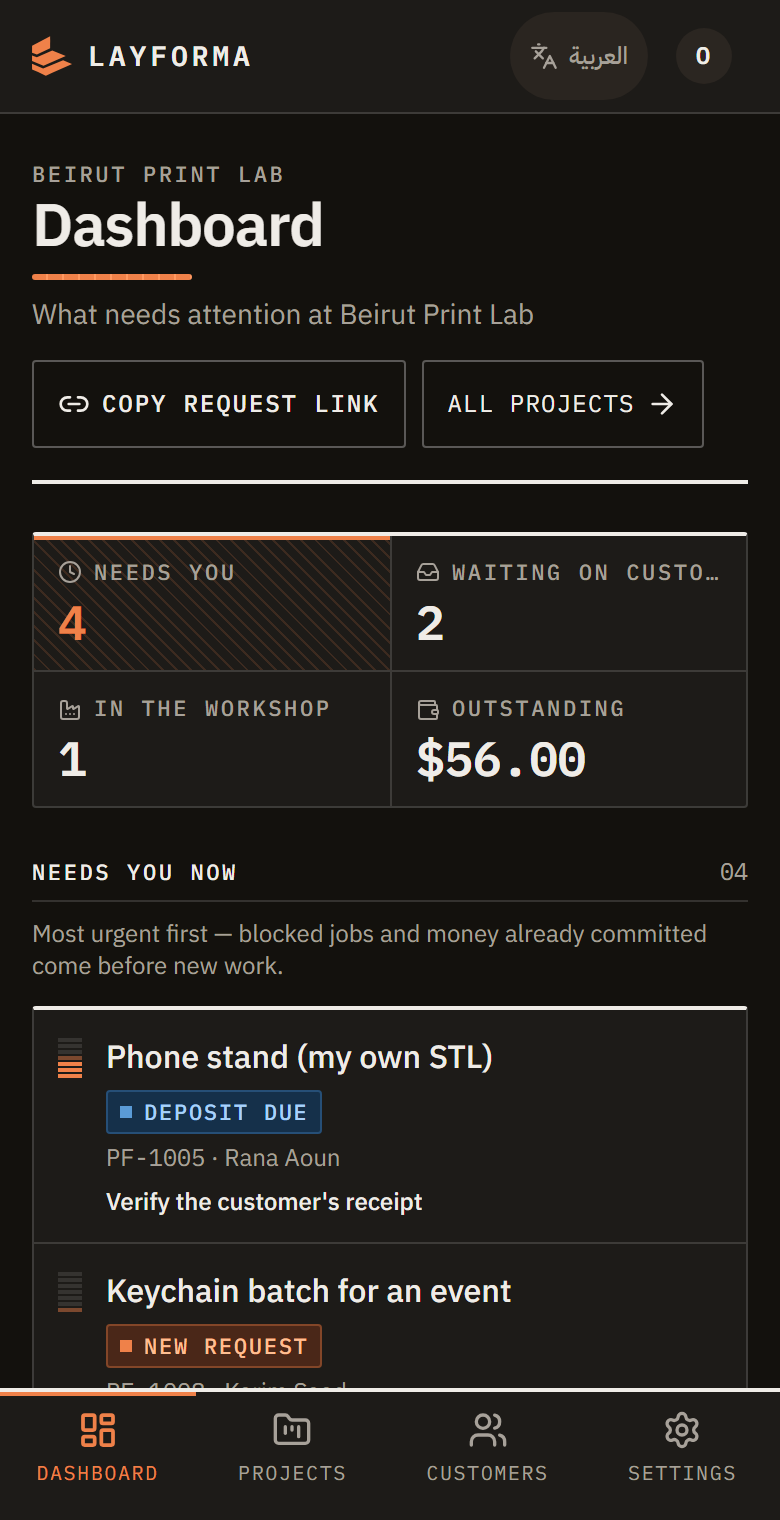
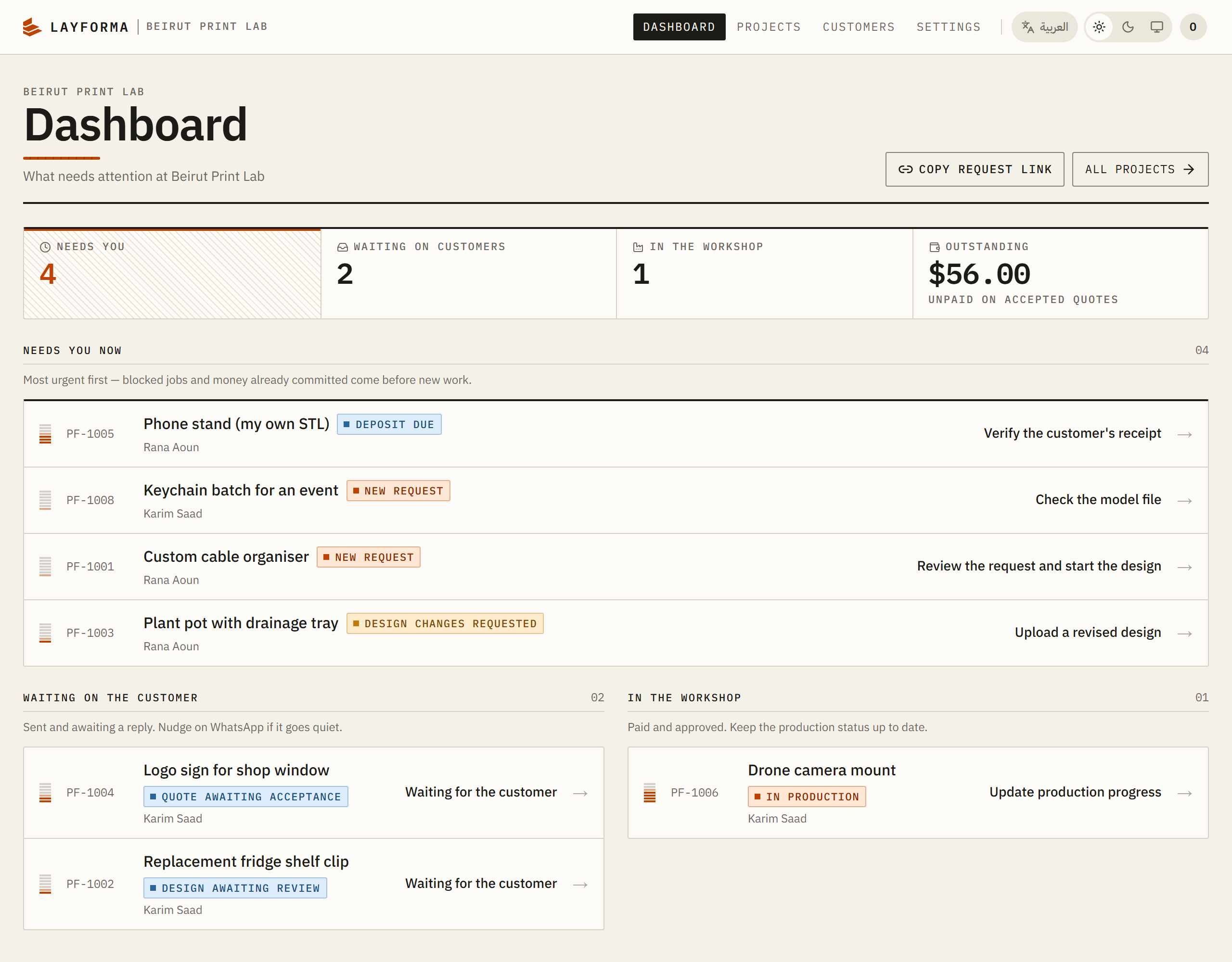
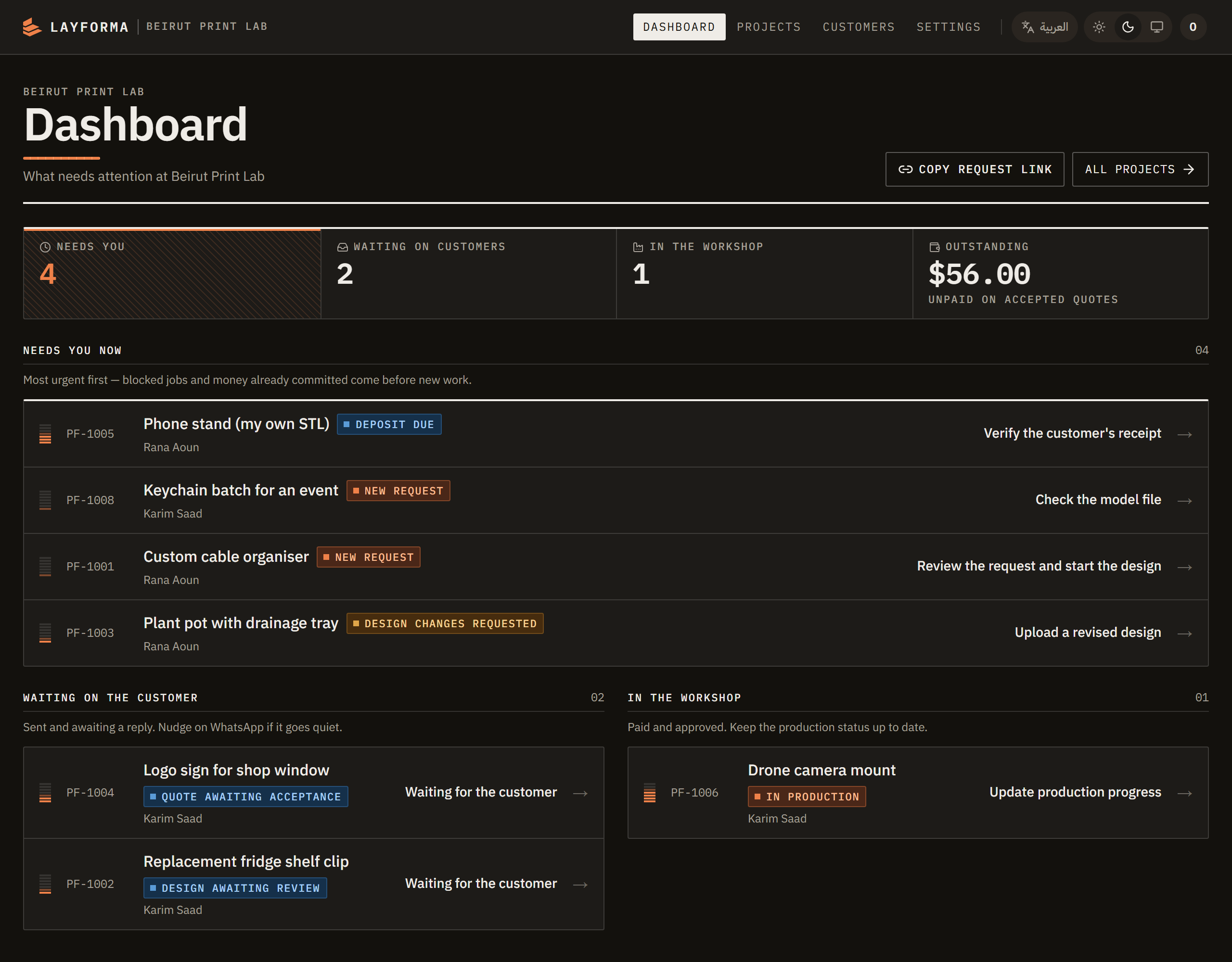
Your dashboard
Open it in the morning and the day is already sorted: a new request, a design nobody has looked at, a deposit outstanding. Nothing to search for.
What your customer sees
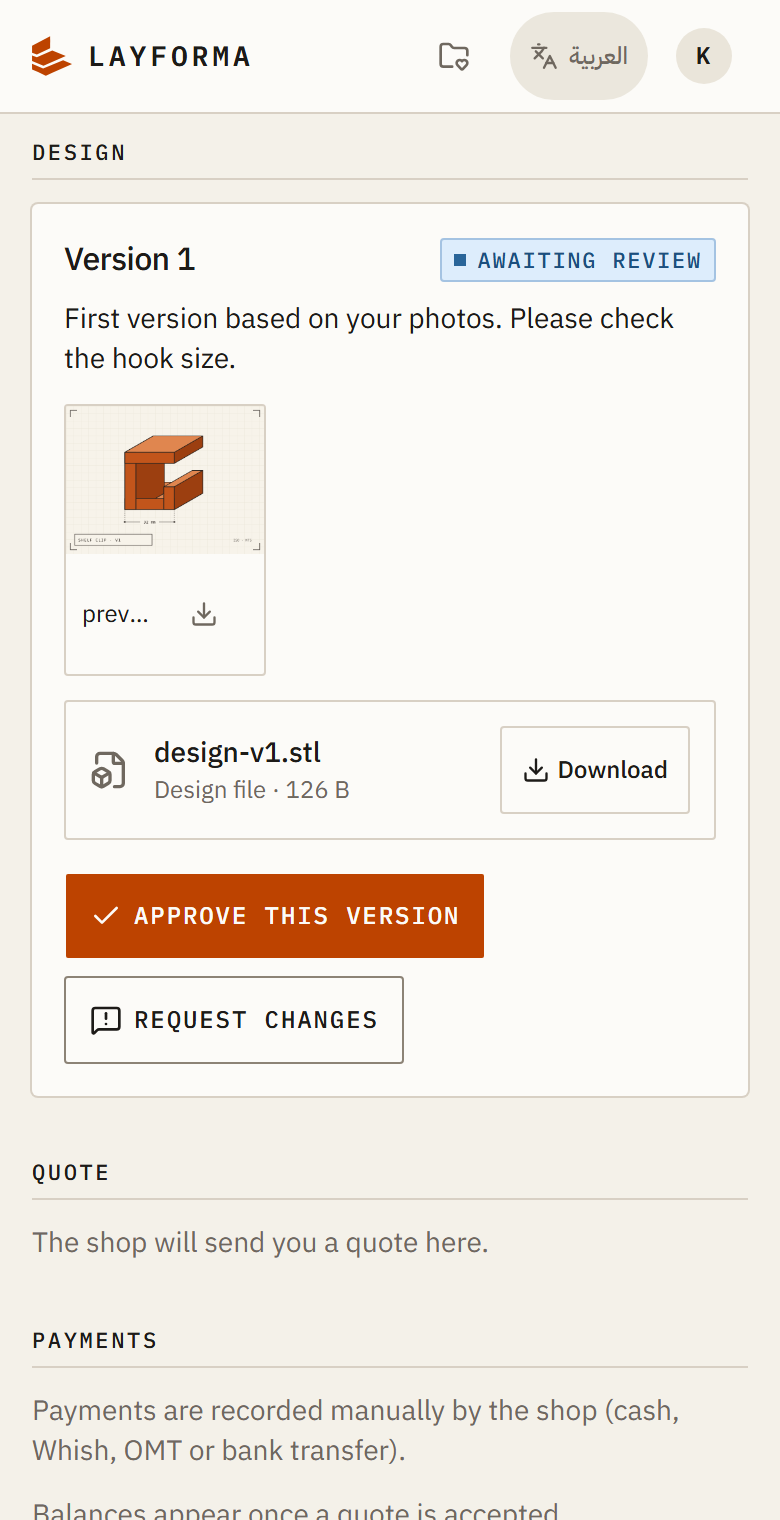
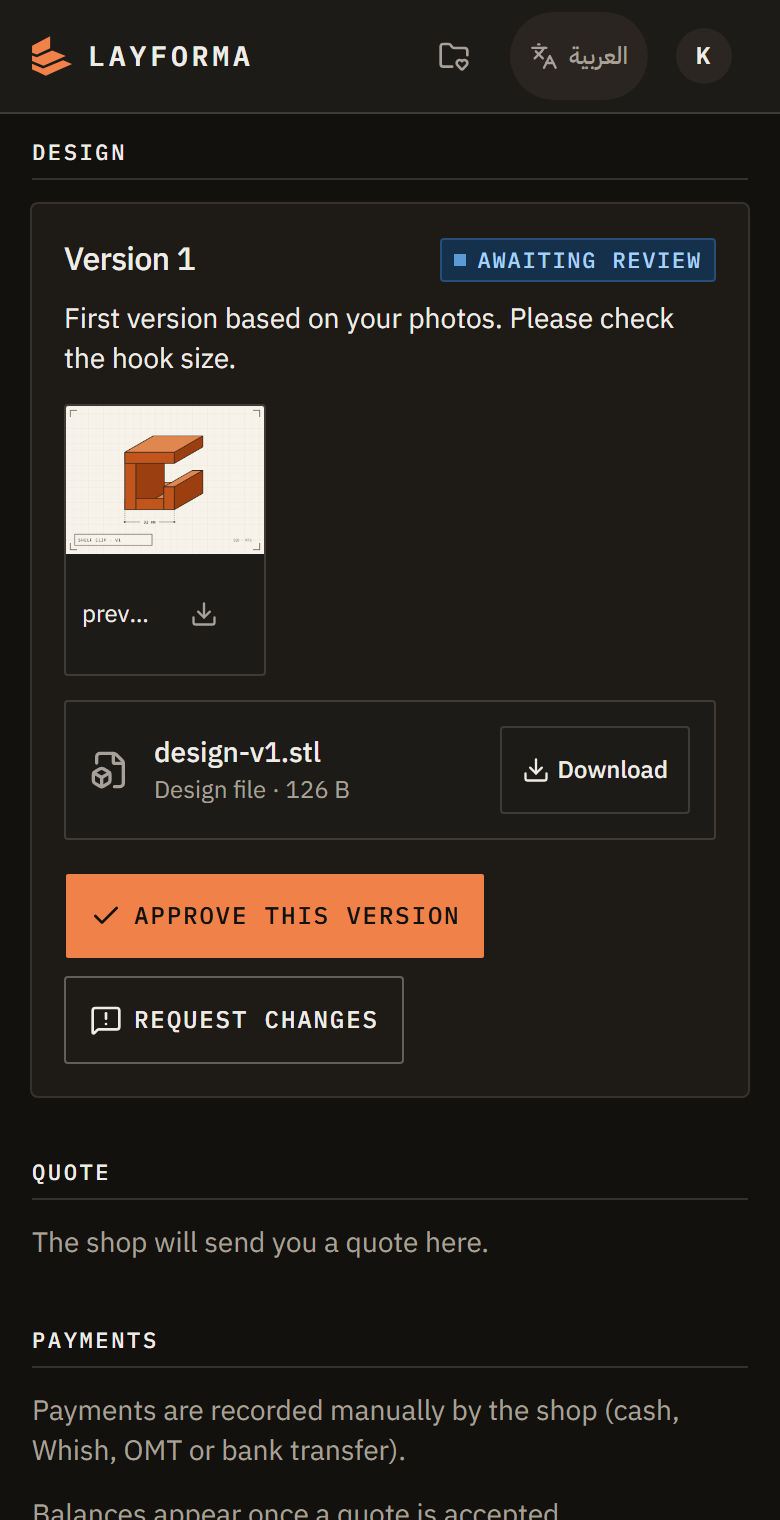
Your customer approves or asks for a change on the version itself, so the decision is recorded against that file instead of lost in a chat.
The price, in writing
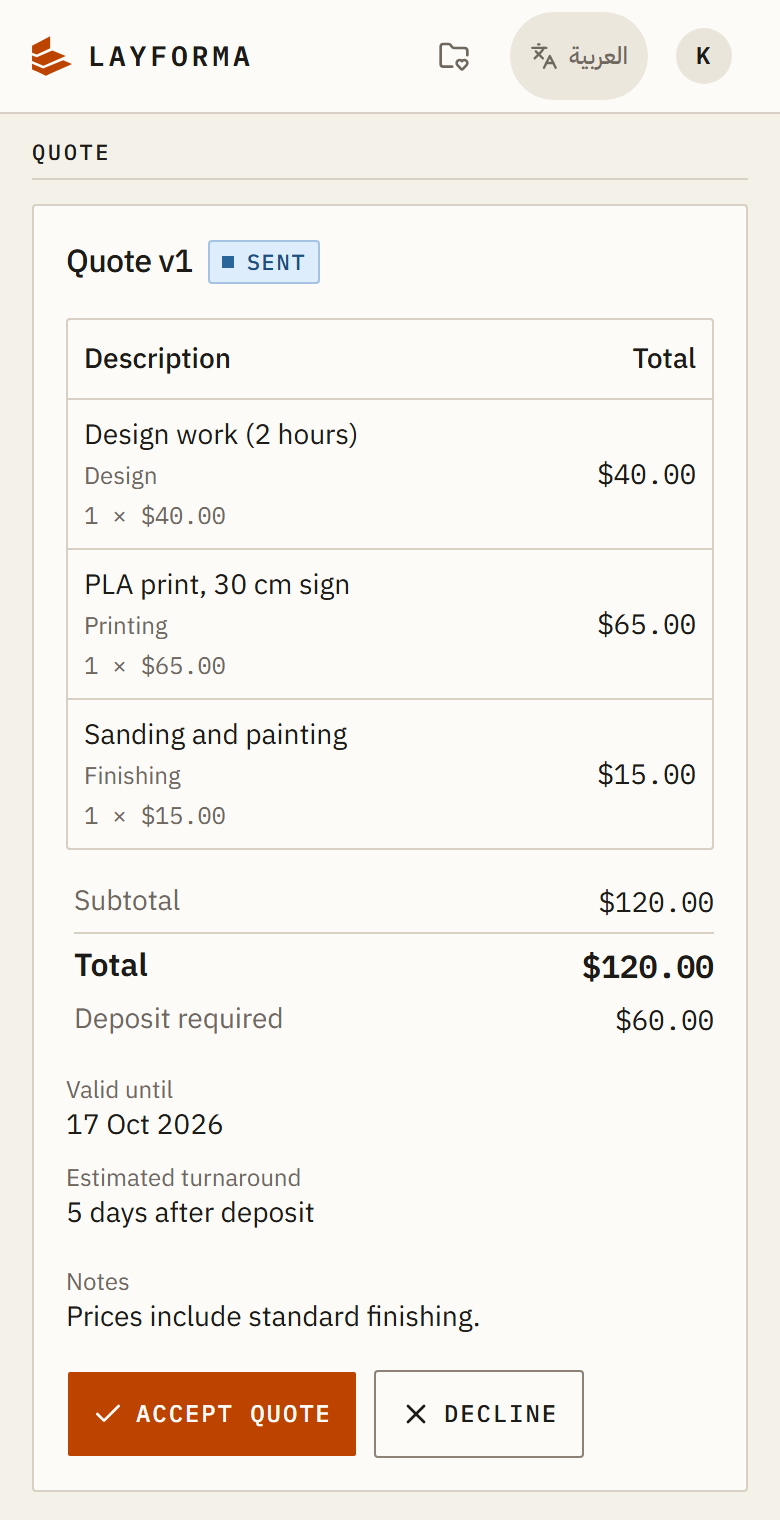
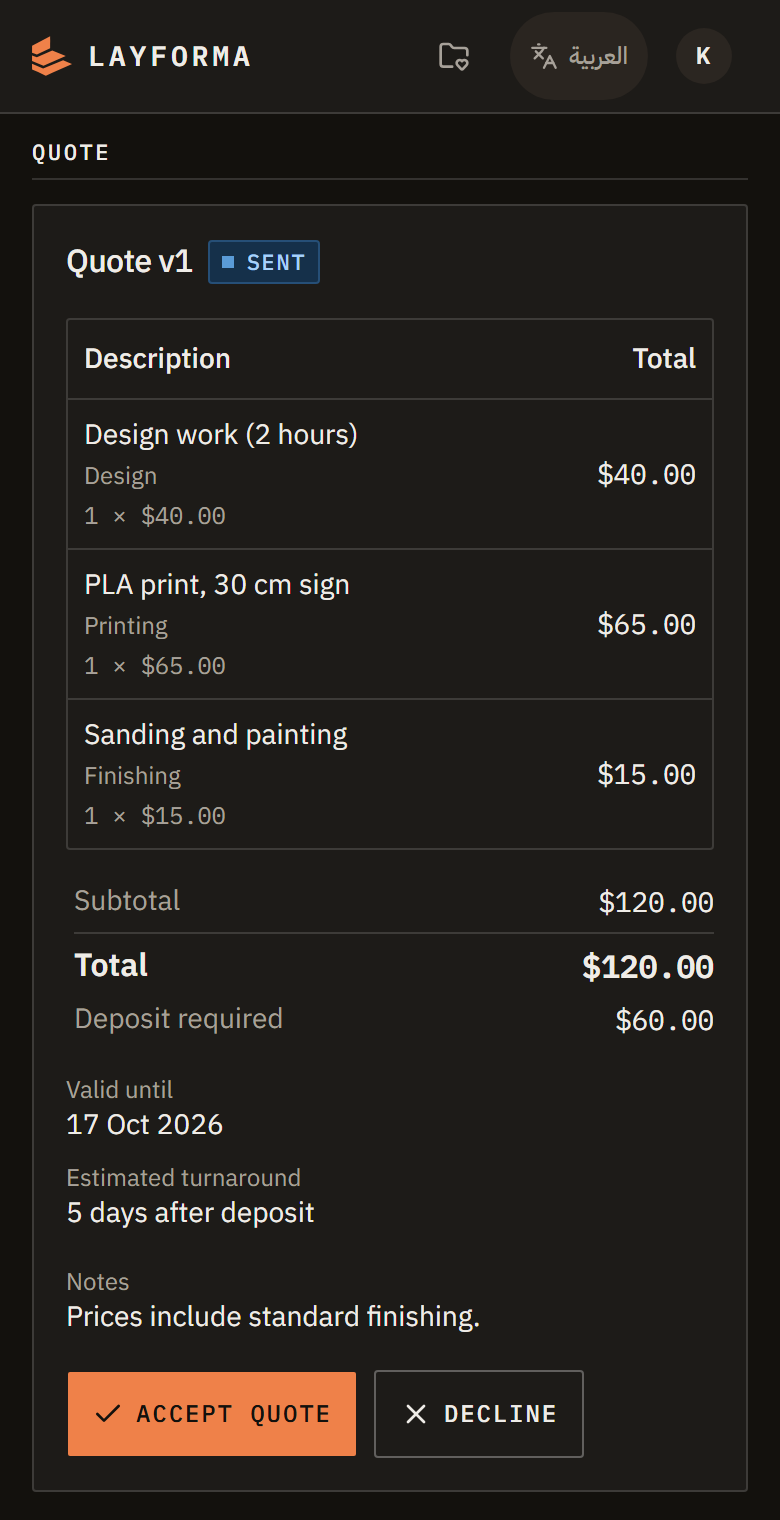
Every line, the total and the deposit, with accept and decline on the same screen — so nobody is reconstructing what was agreed from a chat three weeks later.
Screens shown with demo data.
Ready to try it with your shop?
Every workspace is set up by hand, so you can ask us anything along the way.
Free plan available · No card required · Personal setup help